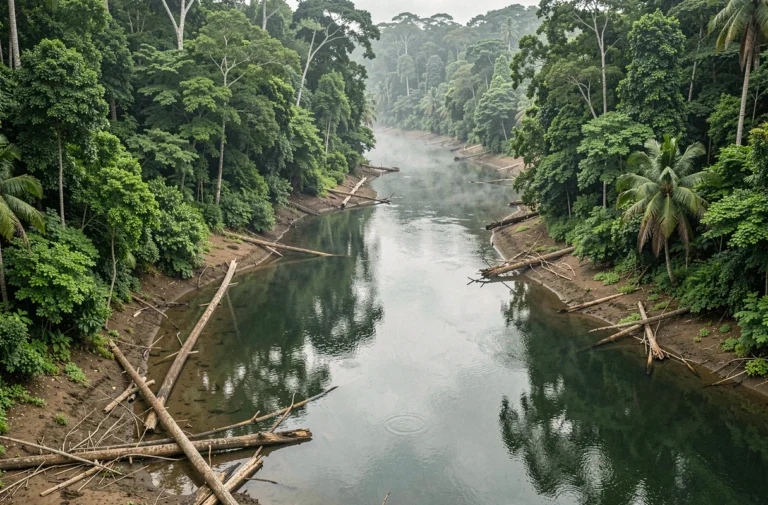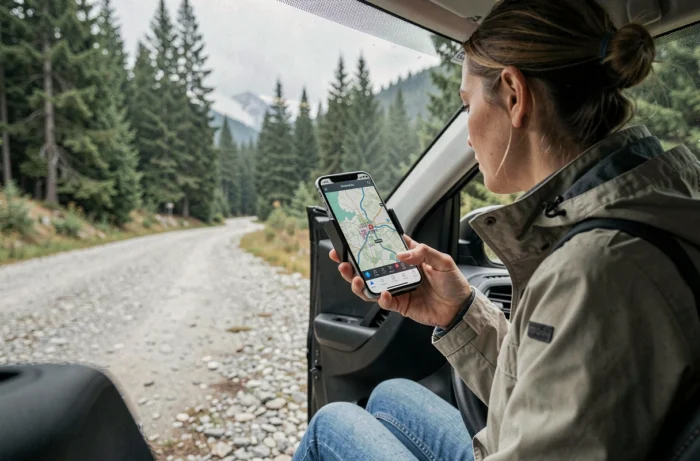
The GPS chip in a smartphone captures satellite signals independently of any mobile or Wi-Fi connection. The issue is therefore not the location, but the display of the map: without cellular data, the screen remains blank. Downloading map tiles in advance resolves this gap between an accurate position and an absent map.
GPS Chip and Mobile Data: Two Distinct Systems on Your Smartphone
The most common confusion is believing that GPS needs the mobile network to function. The GPS chip receives satellite signals without any internet connection. It calculates a position by triangulating data from multiple satellites, a purely radio process that does not consume any cellular data.
What requires a connection is the downloading of map tiles. An application like Google Maps or Apple Maps loads portions of the map as you move. In a blank area or abroad without roaming, the blue dot indicates the correct position, but it floats on a gray background. The entire logic of offline GPS is based on a simple principle: store the maps locally before you leave.
Setting up a free GPS for smartphone without internet means anticipating this need by preloading useful geographic areas onto the phone’s internal memory.
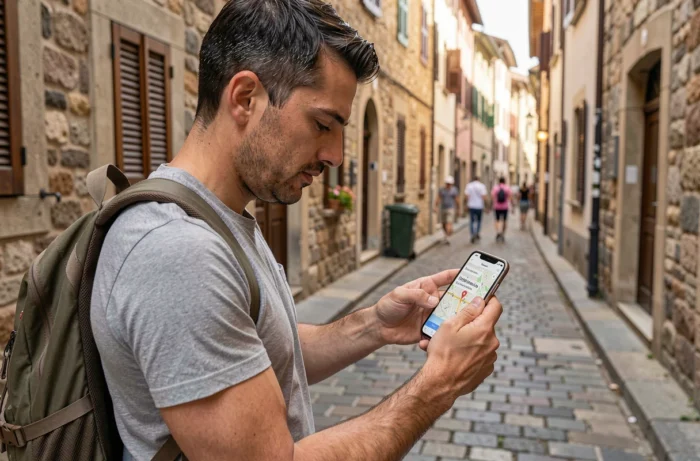
Download Offline Maps on Google Maps and Apple Maps
Both applications pre-installed on most smartphones offer an offline mode. The procedure differs slightly depending on the system.
Google Maps on Android and iOS
In the search bar, type the name of the city or region. Once the area is displayed, access the profile menu and select “Offline Maps.” The app then offers to delineate a rectangle on the map. Each downloaded area covers an adjustable surface, and the file size varies depending on the density of the road network.
Voice guidance and route calculation then work without a connection, including turn-by-turn instructions. The downloaded maps expire after a few weeks and must be updated manually from a Wi-Fi network.
Apple Maps on iOS
Since recent versions of iOS, Apple Maps allows downloading entire areas. The process goes through the profile menu, then “Offline Maps.” The available coverage has gradually expanded, but it sometimes remains less detailed than that of Google Maps in certain regions.
Specialized Applications for Offline Navigation
Google Maps and Apple Maps cover road navigation well. For hiking, biking, or traveling in poorly mapped areas, other applications utilize OpenStreetMap data with more advanced features.
- OsmAnd uses downloadable OpenStreetMap maps by country or region. The free version allows a limited number of downloads, but is sufficient to cover an entire country. The maps include trails, contour lines, and points of interest.
- Maps.me (now Organic Maps in its free version) offers downloads by country with offline search, route calculation for walking, cycling, and driving. The interface remains clean and battery consumption is moderate.
- Mhikes stands out for real-time voice guidance even offline, displaying GPS coordinates to facilitate an emergency call in isolated areas. This free application targets hikers who stray from marked trails.
The choice between these applications depends on the type of travel. For pure road use, offline Google Maps is more than sufficient. For mountain hiking or trekking abroad, an application based on OpenStreetMap often offers a higher level of detail on unpaved paths.

Storage and Battery: Preparing Your Smartphone Before Leaving
Downloading the maps of an entire country can take up several hundred megabytes. Before starting the downloads, checking the available space on the phone avoids unpleasant surprises along the way.
Managing Storage Space
On OsmAnd or Organic Maps, the maps are divided by administrative region. Downloading only the areas traversed rather than the entire country reduces the volume of stored data. Deleting unused maps after each trip frees up space for future downloads.
Preserving Battery Life
The GPS continuously activates the satellite antenna, which consumes energy. A few adjustments can limit the impact on the battery:
- Reduce the screen brightness or enable the dark mode of the navigation app.
- Disable Wi-Fi, Bluetooth, and mobile data when only GPS and offline maps are needed.
- Bring an external battery for long trips or multi-day hikes.
A smartphone with active GPS and the screen constantly on loses its battery life much faster than in normal use. Turning off the screen between position checks significantly extends usage time.
Offline Geolocation and Personal Data
Using GPS without a connection does not mean that location data remains private. Some applications record movement traces locally and then synchronize them as soon as a connection becomes available.
The CNIL deliberation No. 2025-024 of March 27, 2025, specifies that a navigation application does not need specific consent when the location is strictly used for guidance. Once the position is shared for advertising purposes or with third parties, explicit user consent becomes mandatory again.
Checking the permissions granted to each application in the phone settings remains the most direct method to control what data is collected, even in offline mode.
Offline GPS works on any recent smartphone, provided that the maps have been prepared in advance. The only real constraint lies in storage space and battery, two resources to plan before each trip.